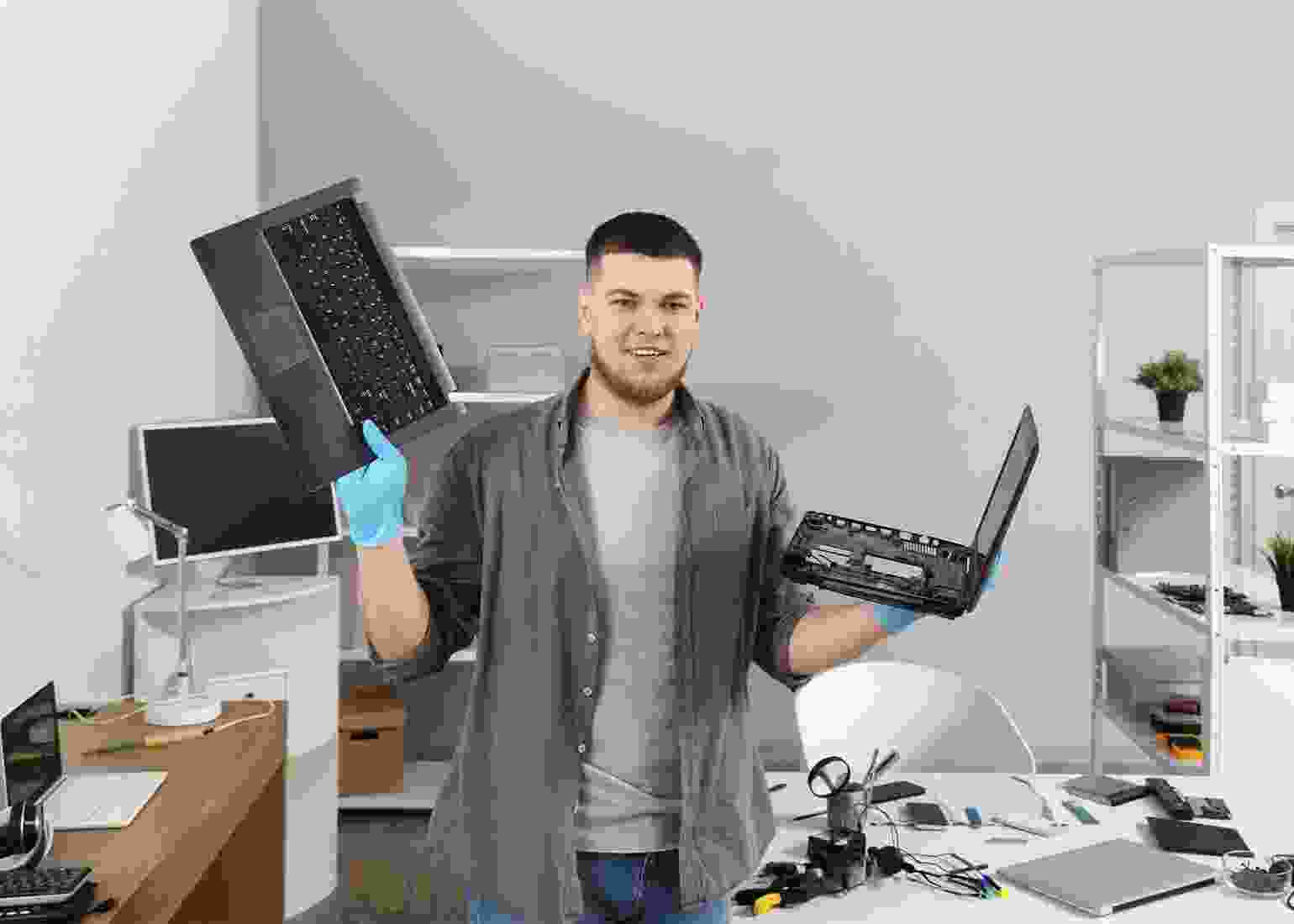
Laptop overheating is more than just an inconvenience—it can lead to slower performance, unexpected shutdowns, and even permanent hardware damage. Whether you use your laptop for work, gaming, or study, maintaining optimal temperature is essential for smooth operation and longevity. Our expert technicians start by diagnosing the root causes of overheating. Common issues include dust-clogged fans, dried-out thermal paste, blocked vents, or failing cooling components. By identifying the exact problem, we ensure the most effective and long-lasting solution for your laptop.
Once diagnosed, we implement quick and precise fixes. This may include deep cleaning the internal components, reapplying high- quality thermal paste, replacing malfunctioning fans, or optimizing system settings to prevent excess heat. Each step is performed carefully to restore your laptop’s cooling efficiency. Beyond hardware fixes, we provide software optimizations to reduce unnecessary load and heat generation. Updating drivers, managing startup programs,
Temperature Monitoring Setup
Worried about your laptop getting too hot? Our temperature monitoring setup lets you track your device’s heat levels easily, giving you alerts before issues arise and helping your laptop stay cool and efficient.
Improve heat transfer for better CPU and GPU cooling.
Ensure proper ventilation for consistent performance.
Optimize system settings to reduce heat generation.

This is exactly what I needed, thanks a lot for these electronics repair tips.
Just what I was searching for, really appreciate these helpful service tutorials.