Inside the World of Laptop Hardware Repair Techniques
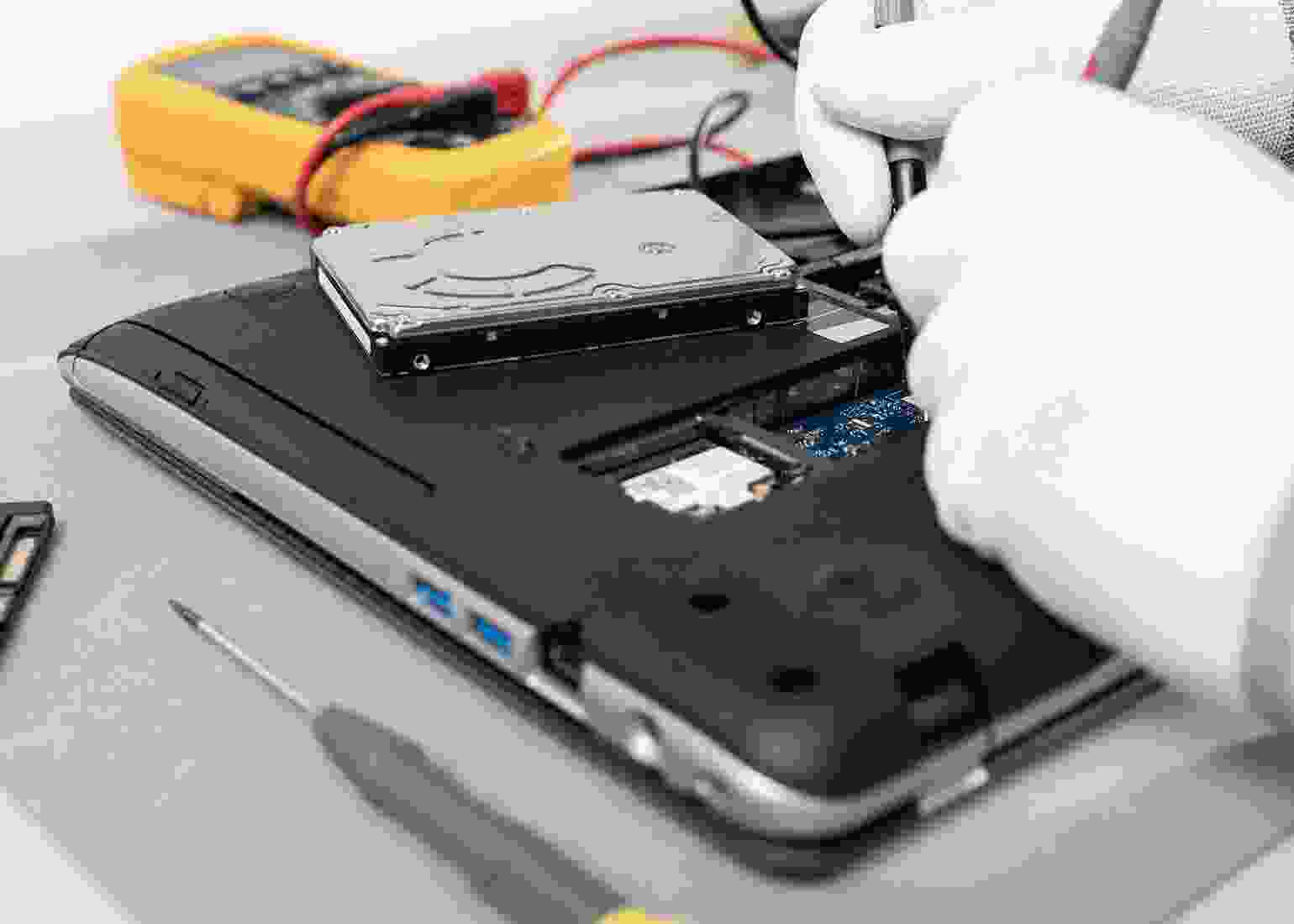
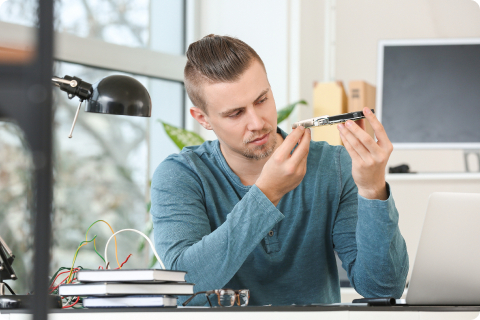
Laptop hardware issues can range from minor glitches to major component failures, affecting performance, usability, and productivity. Understanding the techniques used in hardware repair helps highlight the precision and expertise required to restore a device effectively. Our process begins with a detailed diagnostic assessment. Technicians carefully examine each component, including the motherboard, RAM, hard drive or SSD, keyboard, and ports, to identify the root cause of the issue. This step ensures that repairs are targeted, efficient, and prevent further damage.
Once diagnosed, specialized repair techniques are employed. From soldering and component replacement to cleaning and recalibration, every procedure is performed with precision tools and advanced methods to restore the device’s functionality and longevity. Testing is a crucial part of the workflow. After repairs, we conduct rigorous checks to ensure all components work flawlessly, including boot performance, connectivity, display, and input devices.
Cooling System Maintenance
Using expert techniques and high-quality materials, we maintain and optimize your laptop’s cooling system, protecting internal components and extending the life of your device.
Detect and replace malfunctioning or noisy fans.
Guidance on daily use to avoid future overheating.
This article is a great introduction to laptop hardware repair! I especially liked the step-by-step explanation of diagnosing motherboard issues. Really helpful for beginners like me.

This article is a great introduction to laptop hardware repair! I especially liked the step-by-step explanation of diagnosing motherboard issues. Really helpful for beginners like me.
Thank you, Rajesh! We’re glad you found the motherboard guide helpful. Stay tuned for more detailed tutorials on laptop repairs.